![logo-Clare-white-TM.png]](https://www.clarecontrols.com/hs-fs/hubfs/logo-Clare-white-TM.png?height=40&name=logo-Clare-white-TM.png)
Some device can be managed and edited from the ClareHome App. Here is how:
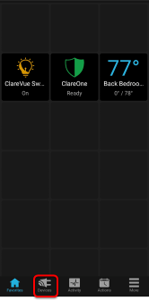
- Launch the app, and then tap the Devices tab.
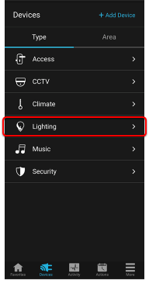
- Tap the category of the device to manage.
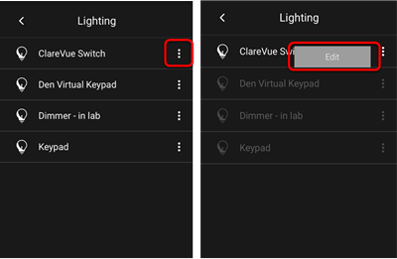
- Tap the ellipse next to the device, and then tap Edit.
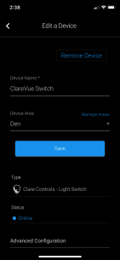
- Make the desired changes or tap Remove Device.
Last Updated: 06/01/2021