![logo-Clare-white-TM.png]](https://www.clarecontrols.com/hs-fs/hubfs/logo-Clare-white-TM.png?height=40&name=logo-Clare-white-TM.png)
To add a Favorites tile:
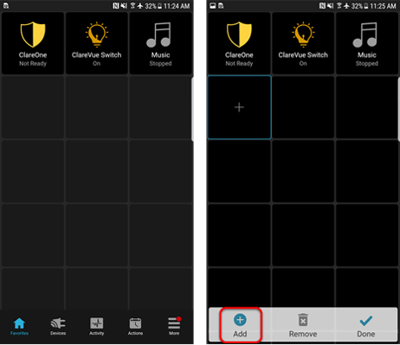
- Tap and hold a blank space, and then tap Add.
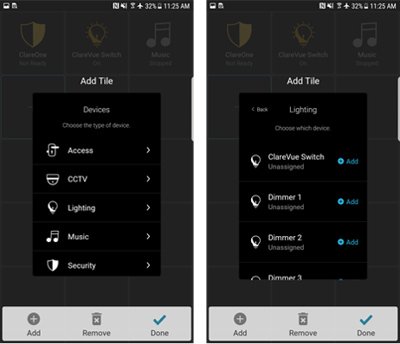
- Tap the device category, and then tap the desired device. It is added to the Favorites tab.
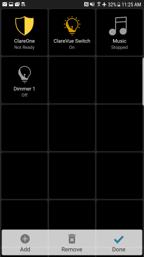
- Select a tile and tap Add to add an additional tile or tap Done to finish.
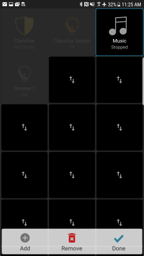
To move or remove Favorites:
- Tap and hold an existing tile.
- Tap the new desired tile location or tap Remove to remove the tile.